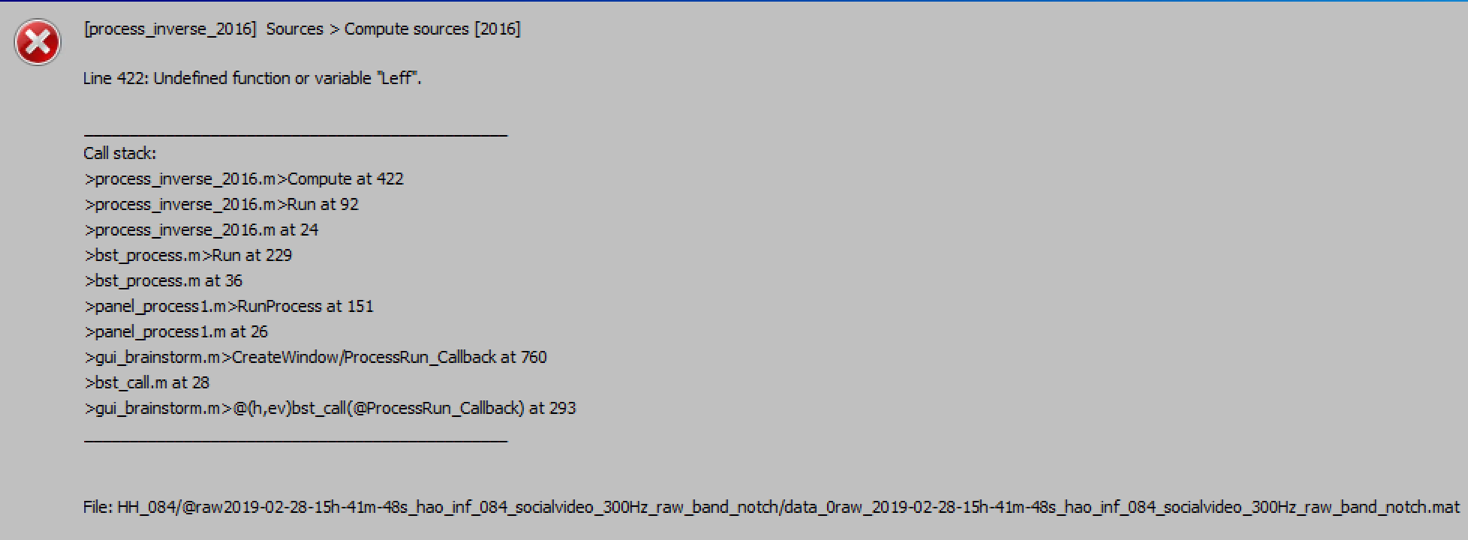
I had a dataset that was analyzed using an older version of brainstorm and I ran dSPM on the source (2016) version. Given the brainstorm updates including the configuration of our infant MEG system, I switched to use the newer version of brainstorm. However, I continued to analyze the data. However, when I tried to run the same pipeline I saved before using the older version from Feb 2018, it didn't let me run. When I tried to run dSPM using source (2016), it gave me this error message (see the screen shot below). So I tried running dSPM using source (2018) version and it gave me dSPM - unscaled map, which was quite different from the dSPM (I guess scaled) I computed for a lot of my other subjects using the older version of brainstorm. I am wondering what is the best way to fix and proceed to analyze my data. As this is a longitudinal studies with data from 2016, I couldn't have analyzed the data using the same version of brainstorm. There is potential problem going back to use the older version of brainstorm to analyze the same datasets because I don't have a lot of functions I need for some analyses.
Let me know what would be the best options moving forward with analyses. Thank you.
So I tried running dSPM using source (2018) version and it gave me dSPM - unscaled map, which was quite different from the dSPM (I guess scaled) I computed for a lot of my other subjects using the older version of brainstorm.
If the maps "look" different, this is not coming from the scaled/unscaled difference. This scaling multiplies all the values by the same scalar factor, therefore is just changes the values displayed in the colorbar, not the relative distribution of the values on the cortex.
The differences you observe are actually due to the changes between the 2016 and 2018 version of the minimum norm code.
Note that we don't support the older 2016 code. If this is possible for you, my advice would be to recompute all the source maps with the new code.
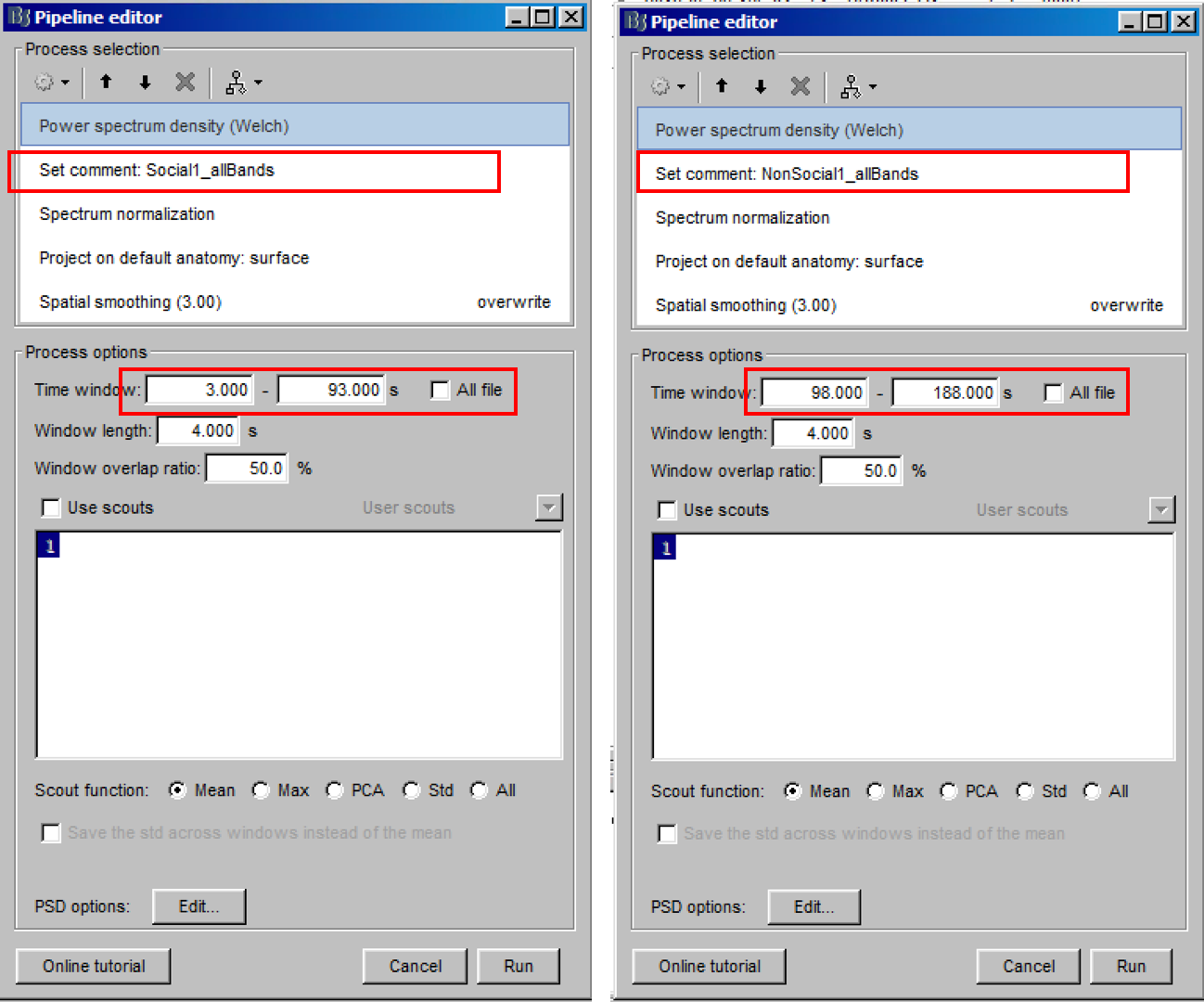
For our datasets, we have one continuous recording containing different types of "resting-state". For example for subject #1, data segments 3s - 93s and 195s - 285s are "social resting-state", and data segments 98s - 188s and 290s-380s are "non-social resting-state". The time for those social and non-social resting-state are different for different subjects and we have a spreadsheet specified those segments for all subjects (N > 100). After creating the source maps (dSPM) for the entire recording (0s to 385s), for each subject we manually enter the time (in seconds) for the four time segments to create 2 social resting-state and 2 non-social resting-state power maps (from delta to gamma bands) because the time segments for each subjects are different (see below screen shots). After running dSPM 2018 for all subjects, is there a way to load in a mat file or a spreadsheet that defines each subject's time segments for each condition to batch run power maps? Manually re-run all that for 100 subjects are quite difficult. Please let me know. Thank you!
No, there is no way to load automatically your spreadsheet.
But yes, you could script your entire analysis, or at least the import part, and you could integrate the blocks of time to read in it. This requires some Matlab programming, but it shouldn't be too complicated.